OTOGUIDE
Precision you can see.
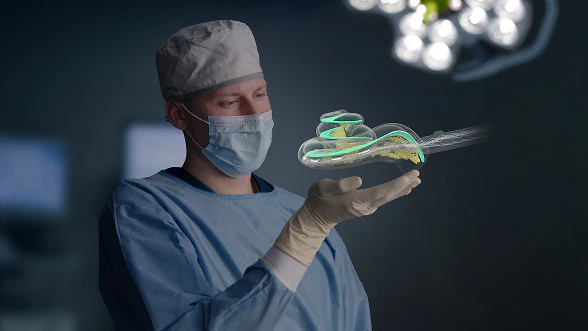
Electrode insertion as you’ve never seen it before: OTOGUIDE is the latest addition to our collection of tools for precision cochlear implantation, joining OTOPLAN, OTODRIVE, and OTOARM.
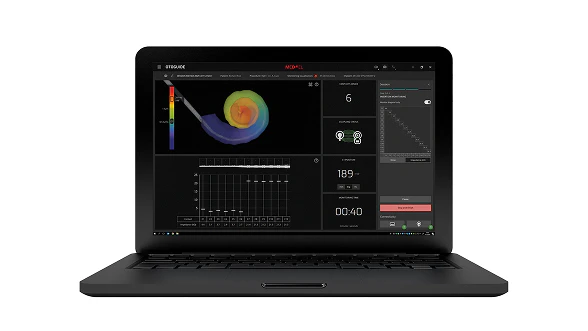
Precision you can see.
Electrode insertion as you’ve never seen it before: OTOGUIDE is the latest addition to our collection of tools for precision cochlear implantation, joining OTOPLAN, OTODRIVE, and OTOARM.
OTOGUIDE is an intraoperative insertion monitoring software that provides you with a visualization of electrode insertion, along with insertion status, a live impedance matrix, and other intraoperative information. This software can support you in confirming electrode placement throughout the insertion process for more confidence during surgery.
- See precise, individual representations of electrode array insertions
- Designed to help you feel more secure during surgery
- Easily review surgeries with automatic replay monitoring
Real-Time Intraoperative Insertion Monitoring
Click and drag to insert the electrode array yourself.
In the OTOGUIDE software, you can also see the real-time insertion status of the electrode in linear depth, angular depth, and frequency, enabling the entire surgical team to follow along with the insertion status as you approach your insertion target.
The impedance matrix develops live so you can observe electrode status and impedance in even more detail. These measurements are represented in an impedance graph, an impedance table, and an impedance matrix. For the matrix, you can choose between a matrix showing all impedance values or a streamlined visualization of the main diagonal. Both matrix options use color intensity to show impedance levels at a glance.
Additional information available on the screen includes the total monitoring time as well as the Coupling Check feature, which displays the coupling status with the implant.
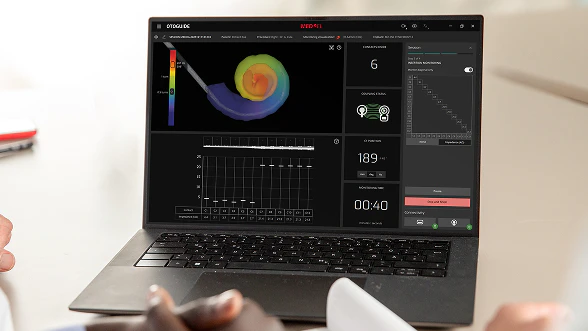
Individualized 3D Visualization of Electrode Insertion
Used in combination with OTOPLAN, OTOGUIDE provides you with a patient-specific 3D visualization of cochlear implantation. By using the 3D cochlear model exported from OTOPLAN, you can monitor insertion status with estimated electrode position.
Without OTOPLAN, you will still be able to see a 3D visualization of the insertion path of the electrode array alone (without the cochlear model) by providing cochlear parameters. You can also monitor insertion status with electrode position estimates.
OTOGUIDE can also be used without providing any cochlear information to monitor insertion status via the live impedance matrix, graph, and status.
Automatic Contact Detection
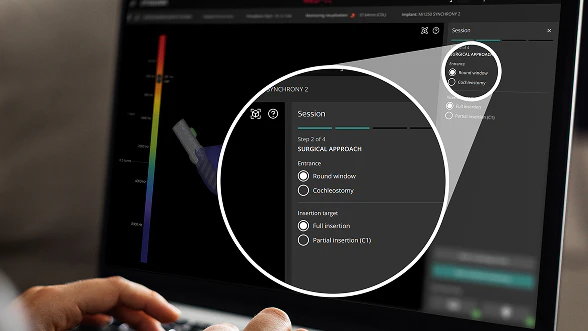
See how many electrode contacts have been inserted into the cochlea. This data is based on the cochlear parameters you choose:
- Entrance point set at round window automatically
- Or cochleostomy option: define entrance point’s distance to round window
- Insertion target set to full insertion by default
- Or choose partial insertion and define desired insertion target position
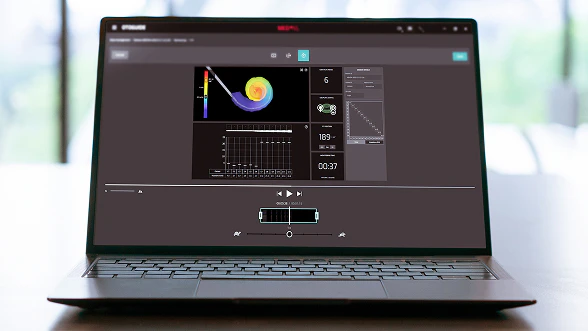
Customizable Replay Monitoring
Each insertion is recorded automatically. When you replay the recording, you can freely change the angle of the cochlear model as well as the insertion information displayed. For teaching purposes or to review interesting cases, you can edit the video directly in OTOGUIDE software—cut, crop, and adjust the replay speed, and then export the video file.
Fits Your Clinical Workflow
Before you even begin surgery, the OTOGUIDE in-package check can give you extra peace of mind by measuring the channel statuses and device integrity of the implant while it is still in the unopened box.
Within OTOGUIDE, you have access to all session data in one place. This makes it simple to edit and review patient and session details.
At the end of each session, you can review the monitored data in the Monitoring Review. To visualize the electrode better so you can see whether the electrode stopper is at the entrance, you can even adjust the position of the electrode array.

Why MED-EL:
A Trusted Partner
For more than 35 years, MED-EL has been a trusted partner and innovation leader in hearing implants. We’re here to work together with you, and we’re committed to providing outstanding service and support for our professional partners.
With the most advanced cochlear implant systems, we offer the best hearing experience for your patients and the best clinical experience for you.
Contact Us
Ready to learn more about OTOGUIDE?
Fill in the contact form below. We’ll connect you to our local MED-EL clinical support experts.

SYNCHRONY 2
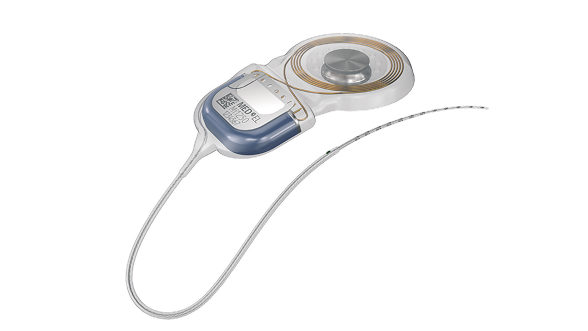
See why individualized electrode arrays, safe access to MRI, and a streamlined central electrode lead for exceptional surgical handling make SYNCHRONY 2 your new favorite cochlear implant.
Discover More
Electrodes
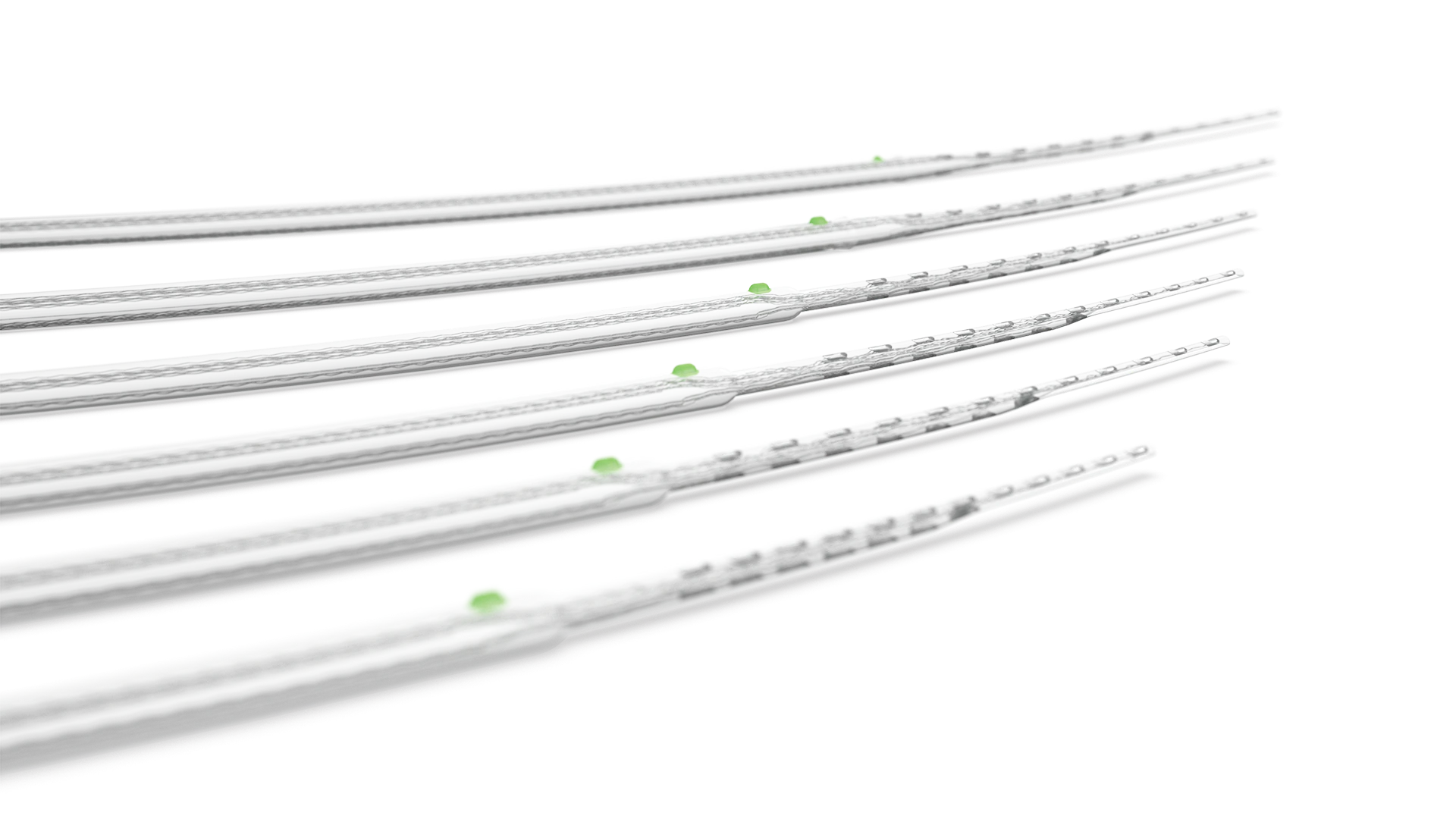
Find out what sets MED-EL electrode arrays apart from any other design to enable a closer to natural sound quality that no other cochlear implant can match.


